Change the color theme and motion settings
The public site and project portal start in your operating system’s light or dark theme. The header has a single theme button; it is also available on the portal sign-in screen.
Change the theme
- Select the sun or moon button in the header to switch between light and dark.
- Navigate to another page. The selected theme stays in effect during that visit.
- Reload or open a new page to start from the system theme again.
The toggle is not saved to browser storage or your account. Until you toggle manually, changes to the system’s color preference also update the page.
Reduce motion
Enable the reduced-motion accessibility preference in your operating system or browser. The homepage replaces its live hero with a static glyph globe, stops animated model artwork, and disables decorative scroll reveals, glyph cursor response and hover twinkles. Reading and navigation remain available. Glyph cursor response is also disabled on touch devices. The documentation does not use decorative scroll animation.
On devices with a mouse, nearby artwork characters bend, briefly change to related glyphs and become heavier. Section five uses a smaller cursor radius and a blue glyph trail. A short trail fades behind the pointer; the characters settle back when it leaves. The artwork stays flat: there is no whole-image tilt or diagonal entrance. Logos use transparent SVGs with rounded glyph strokes and curved planet boundaries.
You can also pause the hero alone with its pause button. This does not change your system's motion setting or pause the model artwork.
Preview boundaries
The homepage dashboard is a design preview. The terminal illustrates a proposed future world-function interface, with typed commands, animated glyph worlds, multiple test progress indicators, feedback, iteration and an agent-spec handoff; these commands are not an executable CLI reference. The project-portal walkthrough is currently hidden. Project data is illustrative and terminal commands are not executed. File-save and background-test messages are part of the preview; no reports are downloaded or written by this animation. The terminal waits 2.5 seconds before playback, types developer input in blue and pauses before system replies. Around seven seconds of active viewing, a parallel-world pane appears. Five seconds later, a coding-agent pane appears. At eighteen seconds the world panes close and the mounted agent moves left; a second test-planning agent opens after half a second, followed by an assumptions-review agent another half-second later. Desktop panes sit beside each other; phones stack them. Each pane has independent scrolling and Follow latest. New output will not pull you away while reading back. Scroll boundaries allow wheel or touch scrolling to continue into the page. Pause all, Replay and Read all transcripts control the overall study; reduced motion shows all five sessions statically.
Multiverse is a planned linked-world capability. Its function calls and outcome handoffs are visual proposals, with no implementation or model-validity claim. The agent panes show simulated Claude Code-style conversations; they make no agent connection and write no files. Its visual reference is Anthropic's published terminal demo. No outcome estimates are invented for this preview. Use the CLI reference for currently implemented commands. Model names, versions, purposes and limitations come from Alive's catalog; the artwork is decorative and is not a simulation output.
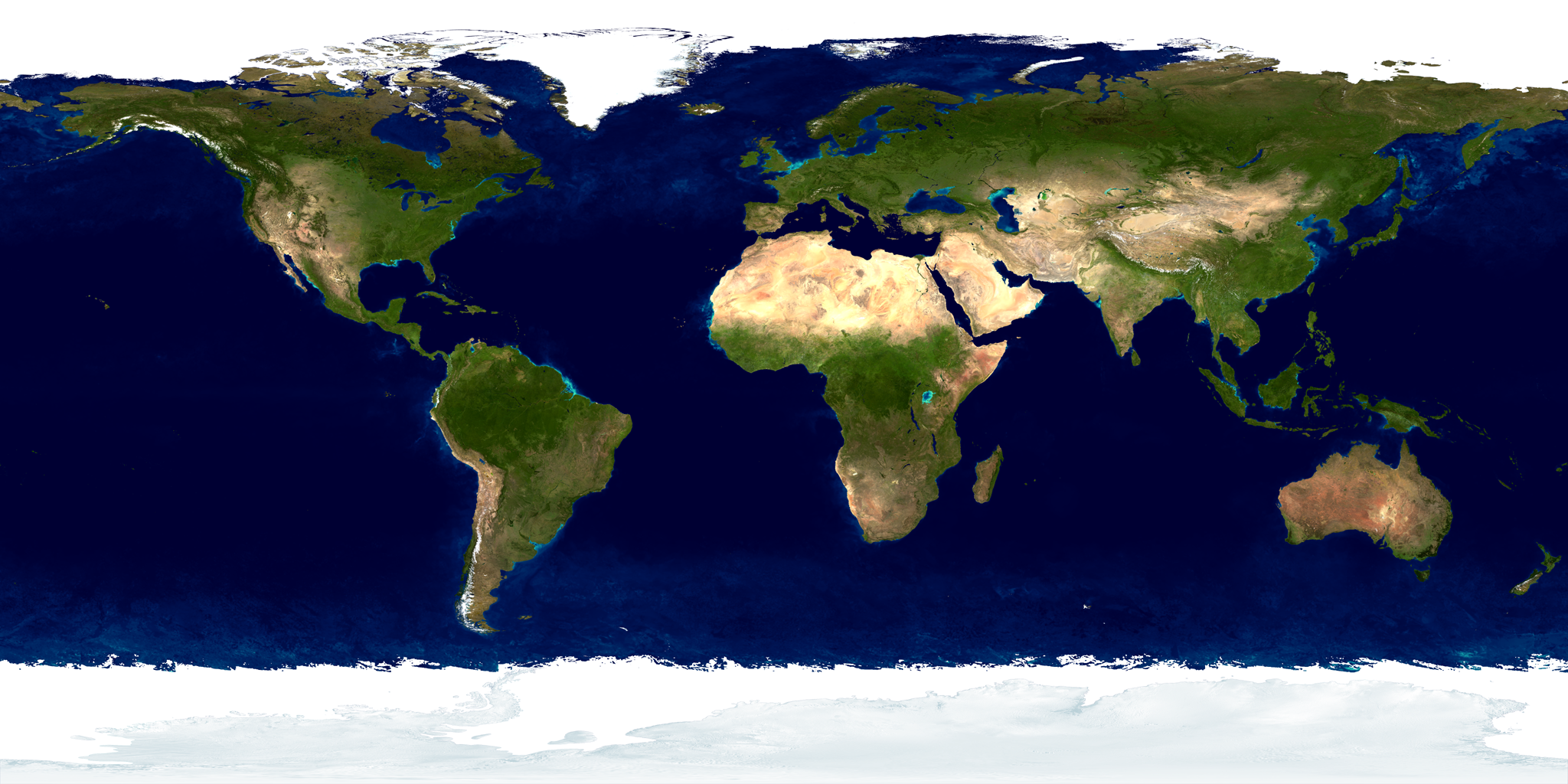
The decorative Earth artwork uses a NASA Blue Marble texture.